 Log in
Put your party on the big screen
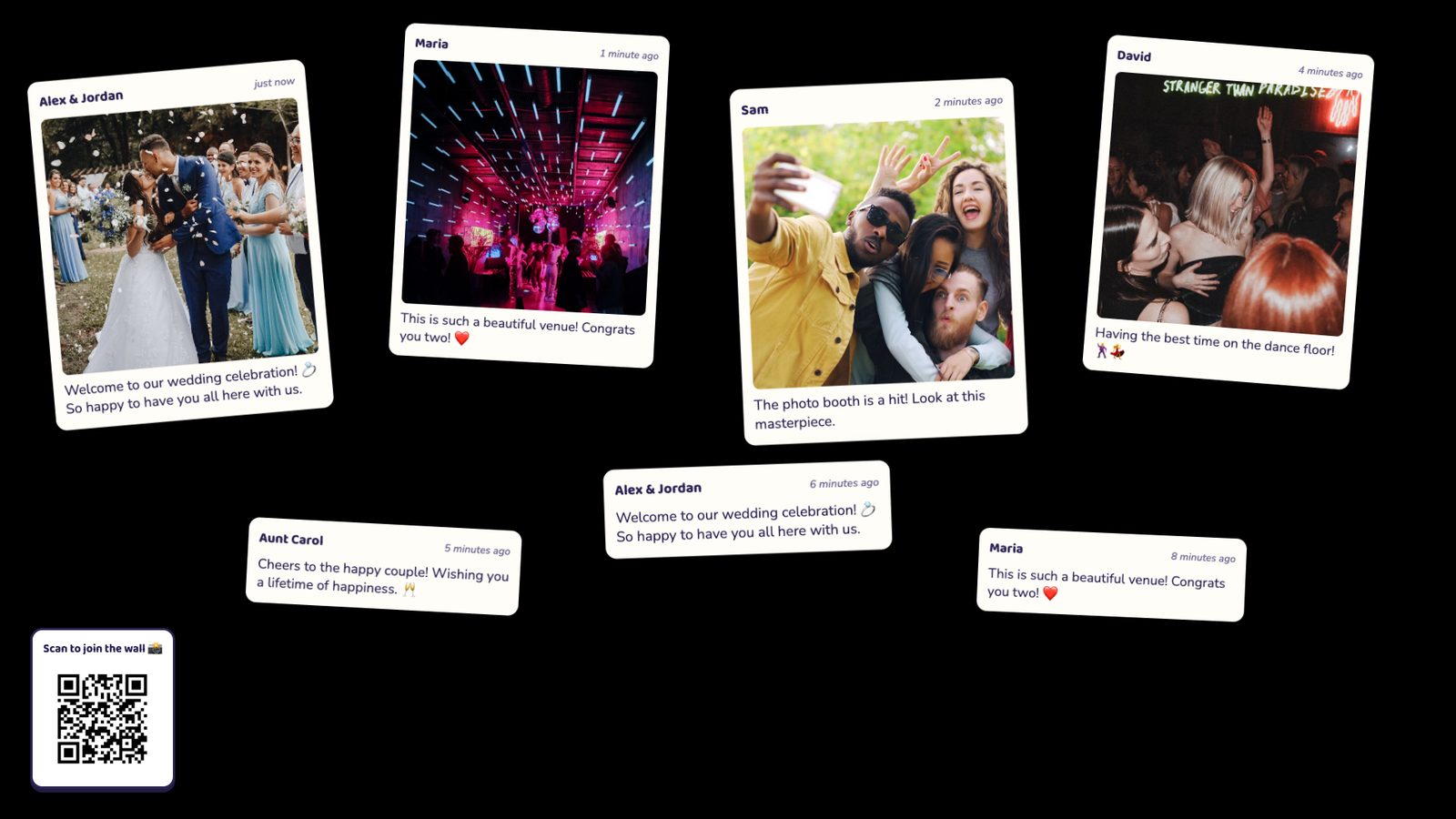
Guests scan a QR code and their photos and messages rain down on your screen — live. No app, no setup drama, no photographer required.
Free to go live — 20 guest posts on screen. One-time $8 to go unlimited.

How it works
Name your event
Sign up free and get your QR code instantly
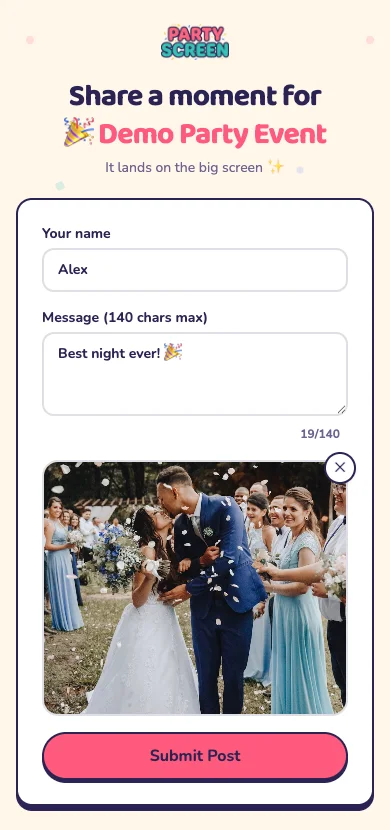
Guests scan & post
Phone camera → form → done. No app needed
The screen comes alive
Photos and messages animate on the big screen in real time
See it in action
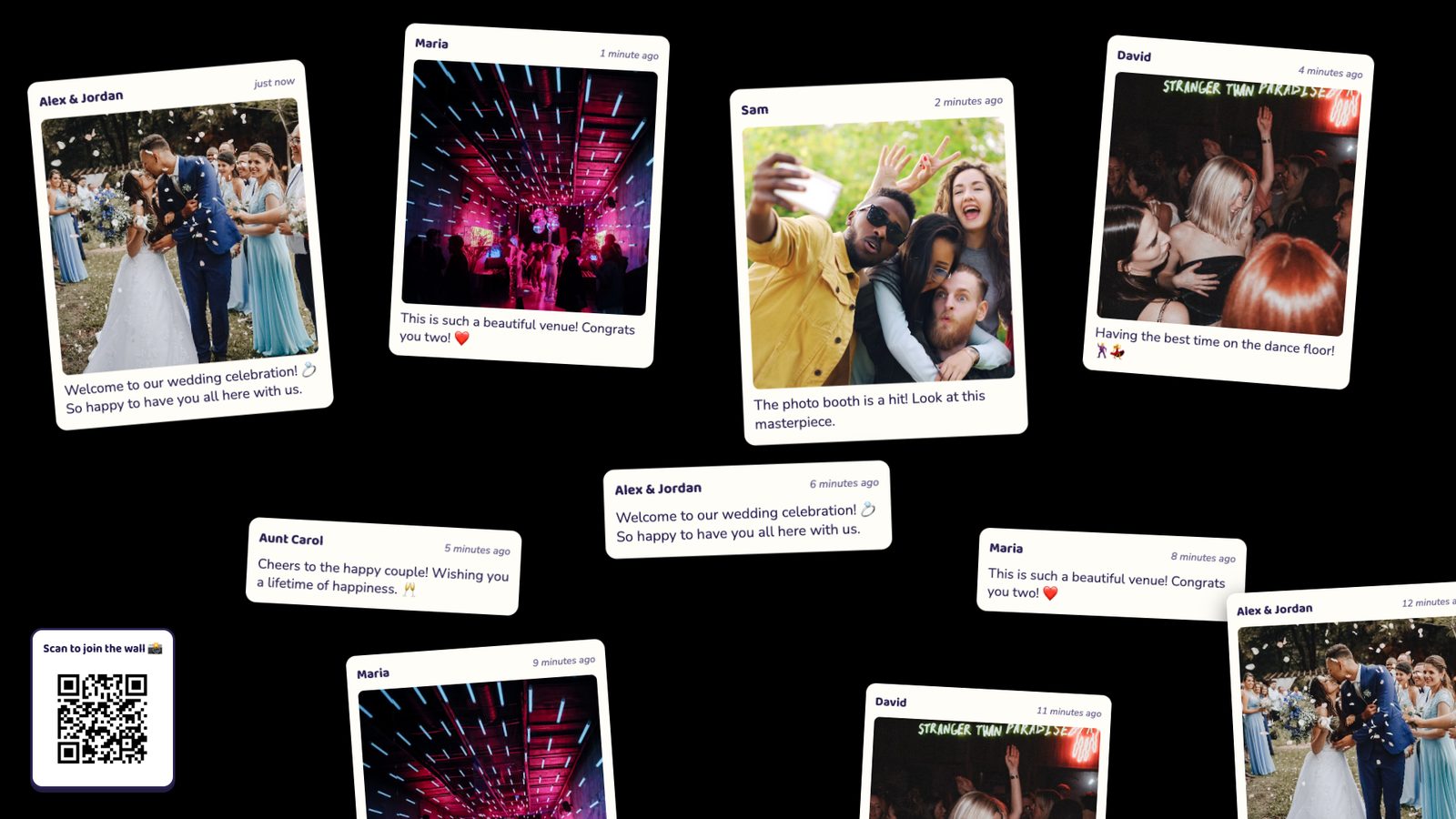
Here's what your event screen looks like with real guest submissions
Everything you need for your event

Your wall, your rules
A real-time feed of messages and photos on your event screen. Review and approve every post before it appears.
Keep every memory
Download your full gallery and relive every moment long after the event ends. Share a beautiful gallery link with everyone.
Feel the room
Real-time posts and reactions reflect the room's energy as it happens.
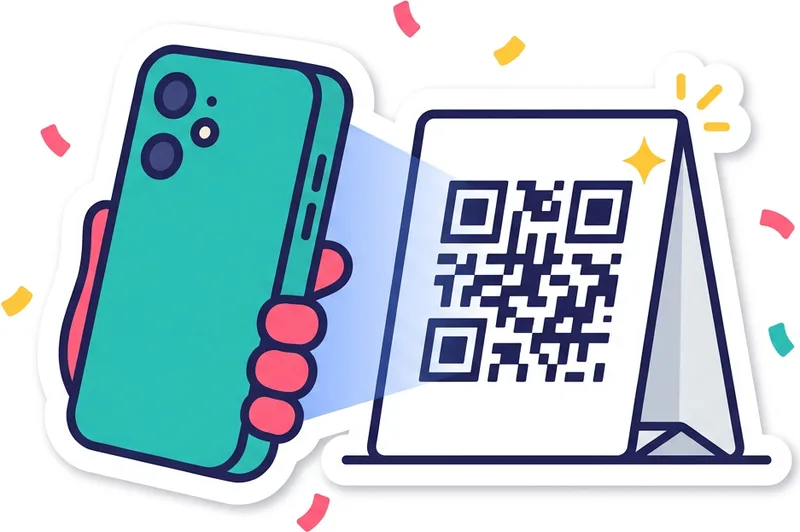
Zero friction for guests
Guests join instantly via QR code or link — works on any smartphone.
Simple, transparent pricing
Go live for free. Upgrade only if you want to go unlimited and remove branding.
go live at no cost
- ✓Go live free — 20 guest posts on screen
- ✓Extra posts are saved for you to unlock
- ✓7-day live event window
- ✓Full moderation control & live screen
- ✓Shareable gallery link
- –Shows a "Powered by Party Screen" credit
one-time, per event
- ✓Everything in Free, plus:
- ✓Unlimited guest posts
- ✓No branding on your screen
- ✓Download your full gallery
- ✓Full refund guarantee
Go live free. Upgrade right from your event whenever you're ready.
Frequently asked questions
What do I need to use party screen?+
You just need a device capable of displaying a web browser on the screen at your event. Your guests will be able to use their mobile phones to add images and messages.
What do my guests need to upload?+
A smartphone with a camera and web browser - no app download required.
Can I control who sees my gallery?+
Yes, moderate and approve posts before they appear on the screen, so only the messages and photos you approve are shown.
How does going live work?+
You start in Draft mode (free to create, edit, and preview). When you're ready, go Live for free — your event is open for 7 days and the first 20 guest messages and photos show on your screen. Guests can keep posting after that: new posts are saved and wait for you. Upgrade any time with a one‑time $8 payment to show every post and remove the "Powered by Party Screen" branding for the rest of your event. Not happy? Request a refund at any point. After the 7‑day window, submissions close automatically. Learn more about our pricing.
Can I submit posts before going live?+
Yes. While in Draft, only logged‑in team members can add posts for testing and seeding your event — these don't count toward the free 20‑post guest limit. Public guests can submit once you go Live.
What happens after the week ends?+
Submissions close and your event moves to Closed. You can still view and moderate existing posts, and the screen display remains available for playback anytime.
What types of events work with Party Screen?+
Party Screen works beautifully for weddings, birthday parties, corporate events, conferences, graduation parties, retirement celebrations, baby showers, and any gathering where you want to capture and display guest moments in real time.
Make your next event the one they talk about
Create your event in under 2 minutes. Free to start, no card needed.